Accounts Receivable Automation: What It Is and Where to Start
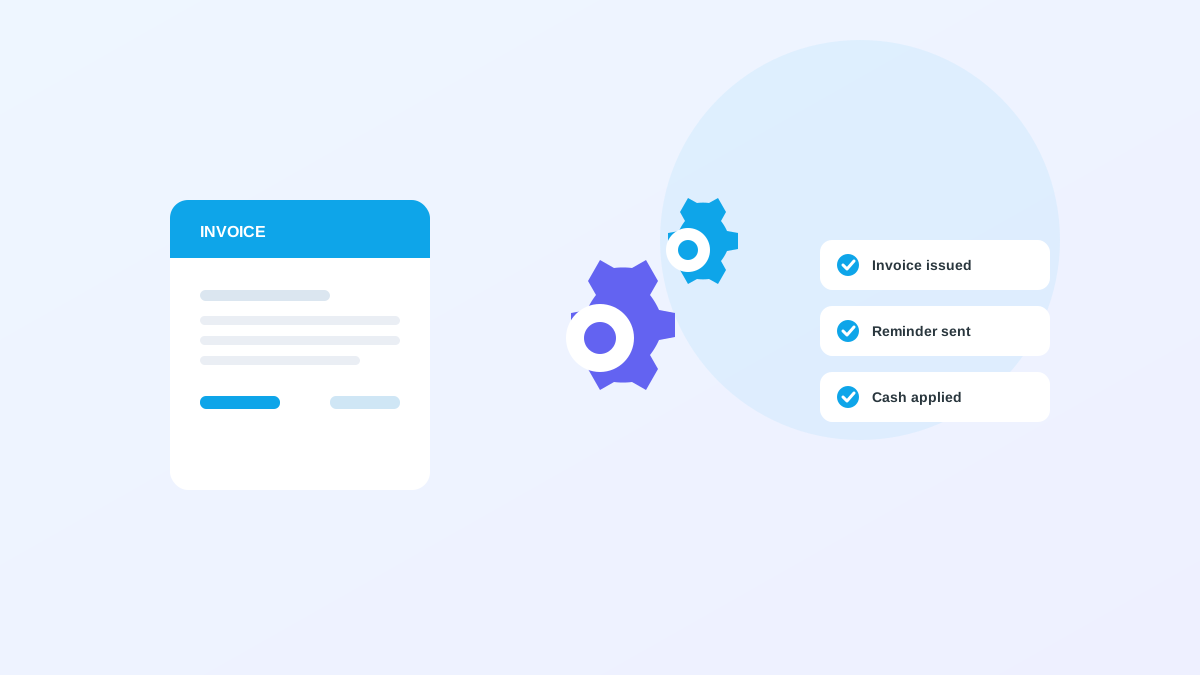
Accounts receivable automation uses software to handle the repetitive, rules-based work of getting paid: issuing invoices, sending reminders, applying cash, and surfacing aging. The aim is to remove the manual keystrokes so your team spends its time on judgment calls and customer relationships rather than data entry and reconciliation. This primer covers what AR automation includes, why it matters now, what to automate first, how to measure whether it is working, and how to roll it out without disrupting the close.
What AR automation covers
AR automation spans the back half of the order-to-cash cycle. At its core it connects four workflows that most teams currently stitch together with spreadsheets and email. When those workflows share data instead of living in separate tools, the whole cycle speeds up.
The four workflows reinforce each other. Faster invoicing gives collections an earlier start. Better cash application keeps aging accurate, which makes collections smarter. Each improvement makes the next one more effective.
- Invoice generation and delivery
- Payment collection across multiple methods
- Cash application and reconciliation
- Collections cadence and dispute tracking
Why it matters now
The data is hard to ignore. Companies running AR manually carry DSO about 30 percent longer than automated peers, and teams that automate their collections cadence cut a week or more off DSO without adding headcount. In a market where working capital is expensive, that freed-up cash has a real cost of capital attached to it every month it stays uncollected.
Automation also improves accuracy. Manual reconciliation introduces transcription errors that turn into disputes and write-offs. Automated matching keeps receivables data clean enough to trust for decisions, which means the reports your leadership relies on actually reflect reality.
Where to start
Begin where the volume and the pain are highest, which for most B2B teams is cash application. It sits next to the ledger, carries low risk to automate, and delivers a visible DSO improvement quickly because it corrects a number that unapplied cash was overstating.
Once cash application is reliable, layer on an automated collections cadence, then structured dispute and deduction handling. Each phase builds on the data quality the previous one created, so the sequence compounds rather than competing for attention.
- Phase 1: automate cash application and reconciliation
- Phase 2: add a rules-based collections cadence
- Phase 3: structure dispute and deduction handling
Metrics that prove value
Decide your success metrics before you start so the pilot has a scoreboard everyone agrees on. The core measures track speed, automation coverage, and risk concentration.
Track DSO for the headline trend, straight-through cash application rate for automation coverage, average days delinquent for collection speed, and the share of receivables in each aging bucket for risk. Top performers reach DSO near 39 days and touchless rates above 90 percent. Use those figures as a north star rather than a day-one expectation, and measure progress against your own starting point.
Avoiding common rollout mistakes
The most frequent mistake is trying to automate every workflow at once. Spreading the team across invoicing, cash application, collections, and disputes simultaneously makes it impossible to tune any one of them well or to attribute the results. Phasing the work keeps each step measurable.
The second mistake is removing human approval too early. Let the automation propose and a person dispose until match rates and exception patterns are proven. Trust is earned by accuracy over a few weeks, and skipping that period tends to produce a loud failure that sets the whole program back.
Rolling it out without disruption
The safest rollout keeps your ERP authoritative and runs automation in parallel before any cutover. Approvals stay with your team while match rates and exception patterns stabilize, so nothing posts that a person has not confirmed.
Alderstone's Nudge is designed for this model. It surfaces open invoices, applied payments, and exception queues in one workspace while your ERP remains the system of record for balances. You modernize AR without a disruptive migration, and the team keeps working in a familiar ledger while the manual work in front of it disappears.