AI Order Processing Automation: A 2026 Guide for B2B Operations
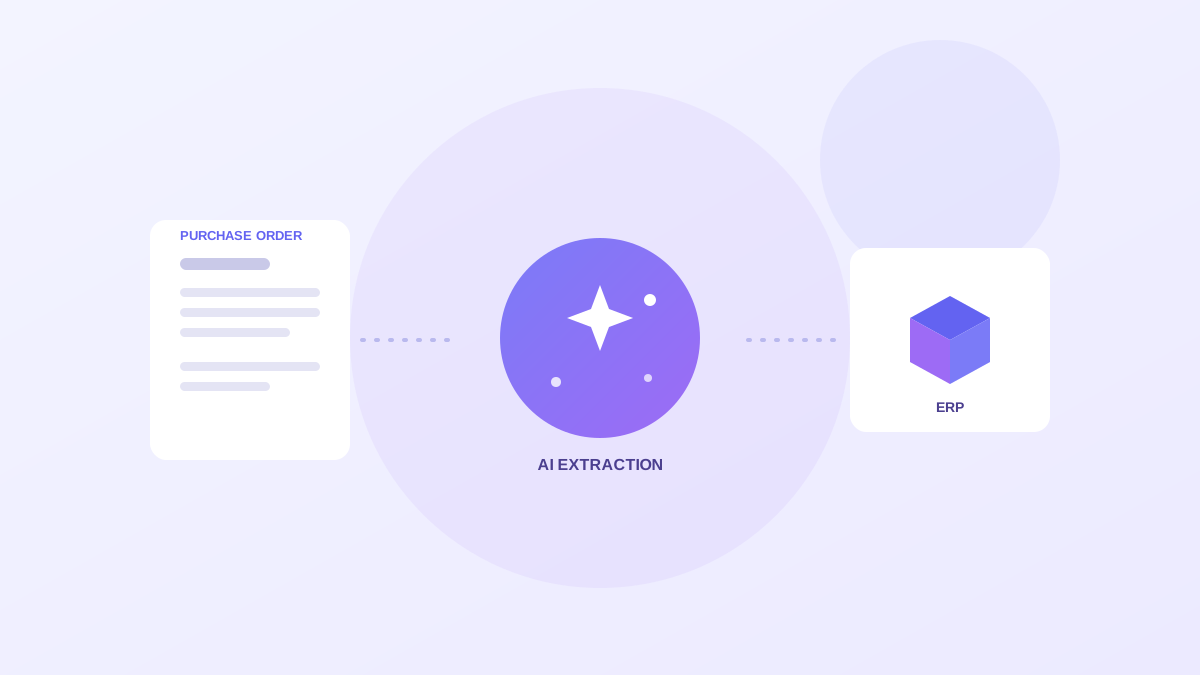
Most B2B operations teams still process inbound orders the way they did a decade ago. A customer emails a PDF purchase order, someone opens it, reads the line items, checks pricing, and re-keys everything into the ERP. That manual path is slow, it produces errors that surface weeks later as disputes, and it falls apart during demand spikes when volume climbs faster than headcount. AI order processing automation changes the economics of that work. It reads documents the way a person would, validates the result against your own master data, and produces a draft sales order that someone only has to approve. This guide walks through how the technology works, where to start, how to keep control of accuracy, and how to prove the return before you commit to a full rollout.
What AI order processing automation actually does
AI order processing is the use of machine learning and language models to classify incoming order documents, pull out the structured fields, and move them into your order-to-cash workflow with very few human keystrokes. The system recognizes that an arriving document is a purchase order rather than a remittance or a request for quote. It then reads the customer, the ship-to address, each SKU and quantity, the payment terms, and the totals, and it maps those values against your catalog and customer records.
The output stays transparent and reviewable. A well-built system returns each extracted field with a confidence score and links every value back to the exact spot in the source document it came from. Orders that clear your validation rules advance automatically to a draft sales order. Everything else lands in a review queue where a person resolves the ambiguity in a few seconds instead of re-typing the whole order from scratch.
The important shift is that the model does the reading and the typing while your team keeps the judgment. People stop being data-entry clerks and become reviewers who handle the genuinely hard cases.
- Classifies the document: purchase order, change order, RFQ, or remittance
- Extracts SKUs, quantities, ship-to, payment terms, and totals
- Validates against your customer master, price lists, and catalog
- Creates a draft ERP sales order for approval, with full traceability
Why template OCR and manual entry both fall short
Traditional template OCR works by reading values from fixed coordinates on the page. It performs well right up to the moment a customer changes their layout, adds a column, or sends a scanned copy that sits slightly crooked in the scanner. Any drift breaks extraction and quietly pushes bad data downstream. Teams that rely on templates end up maintaining dozens of brittle layouts and still re-keying every exception by hand.
Manual entry has the opposite problem. It handles any layout because a human is reading it, but it does not scale and it introduces transcription errors. A single mistyped quantity becomes a short shipment, a customer complaint, and eventually a deduction at payment time. The cost of that one keystroke is paid three times across the cycle.
AI extraction reads field meaning rather than field position, so a quantity is recognized as a quantity whether it appears in column three or column five. That resilience is what makes automation viable across a long tail of customers who each format their orders differently.
The payback: what the research shows
The financial case is well documented. PwC has found that companies digitizing order processing reduce cycle times by up to 40 percent while lowering processing costs between 30 and 50 percent. The savings come from removing the re-keying and the rework that manual intake creates.
There is a second, larger benefit that does not show up in a cost-per-order figure: capacity. When routine orders flow straight through, your existing team absorbs volume growth without proportional hiring. A business that doubles order volume does not need to double its order-entry staff. The people you already have spend their hours on exceptions, on customer relationships, and on the orders that genuinely need a human.
Clean intake also protects the rest of the order-to-cash cycle. Orders that enter the ERP correctly the first time do not generate downstream disputes, short pays, or delayed invoices, which means the savings compound well past the intake step.
Where to start: scope your first automation
The fastest path to a credible result is a narrow, high-volume slice of your order flow: one customer segment, one order type, and one ERP company code. Keeping the scope tight keeps your validation rules simple and your exception patterns easy to read, which means you learn quickly what the system gets right and where it needs tuning.
Run the first few weeks in shadow mode. In shadow mode the system extracts and drafts orders, but a human still creates the final ERP record. You compare the AI draft against the human result, watch where they diverge, and tune your confidence thresholds accordingly. Only after the drafts match the human output reliably do you let high-confidence orders advance to approval on their own.
- Pick a segment with consistent, high order volume
- Define validation rules with operations and finance together
- Start in shadow mode before any automated ERP push
- Set explicit confidence thresholds for auto-advance
- Expand only after exception rates stabilize
Keep a human in the loop where it matters
Mature deployments do not chase 100 percent automation on day one. They treat the model as a fast first pass and send uncertainty to people. High-confidence orders that pass validation flow straight to approval. Medium-confidence orders land in a review queue with the uncertain fields highlighted next to the source document, so a reviewer confirms or corrects in seconds rather than reading the whole PO.
Some orders should always reach a person regardless of confidence. A brand-new ship-to address, a non-catalog item, or a price that sits outside the contracted band deserves human eyes because the cost of getting it wrong is high. Building those rules in from the start is how you keep error rates low while automation rates climb.
Over time the review queue becomes a training signal. Every correction your team makes teaches the system about your catalog, your customers, and your edge cases, so the share of orders that need human review shrinks month over month.
Metrics that prove it is working
Decide your scoreboard before the pilot starts. The most useful intake metrics track speed, accuracy, and the share of work the system handles unattended.
Time from PO receipt to draft sales order tells you how much faster intake has become. The exception rate tells you how often a human is pulled in. The rework rate tells you whether the orders that did advance were actually correct. Watching all three together stops you from gaming one at the expense of the others.
- Time from PO receipt to draft sales order
- Straight-through rate by customer segment and order type
- Exception rate and the reasons orders are flagged
- Rework rate on orders that advanced automatically
Common questions from operations leaders
Will it work with our messy documents? Yes, that is the point of language-model extraction. It handles scanned PDFs, email bodies, and inconsistent layouts because it reads meaning rather than coordinates.
What happens when the model is unsure? The order routes to a review queue with the uncertain fields highlighted and the source document alongside. Nothing reaches the ERP without passing your rules, and usually a human approval.
Do we have to replace our ERP? No. Good order automation runs on top of the ERP you already have and writes drafts back through a connector. Your ERP stays the system of record.
How OrderBridge approaches it
Alderstone's OrderBridge applies this pattern on top of your existing ERP. It ingests purchase orders from email and portal uploads, extracts and scores every field, validates against your data, applies configurable guardrails, and creates draft sales orders through the same connector layer used across the platform. Your ERP remains the system of record, and every run keeps an audit trail that runs from the source document to the ERP outcome.
If you are evaluating order automation, the most useful next step is a scoped pilot rather than a big-bang launch. Prove the exception rate on real orders, watch the time-to-draft metric move, and expand once the numbers hold. The pilot itself becomes the business case for the wider rollout.